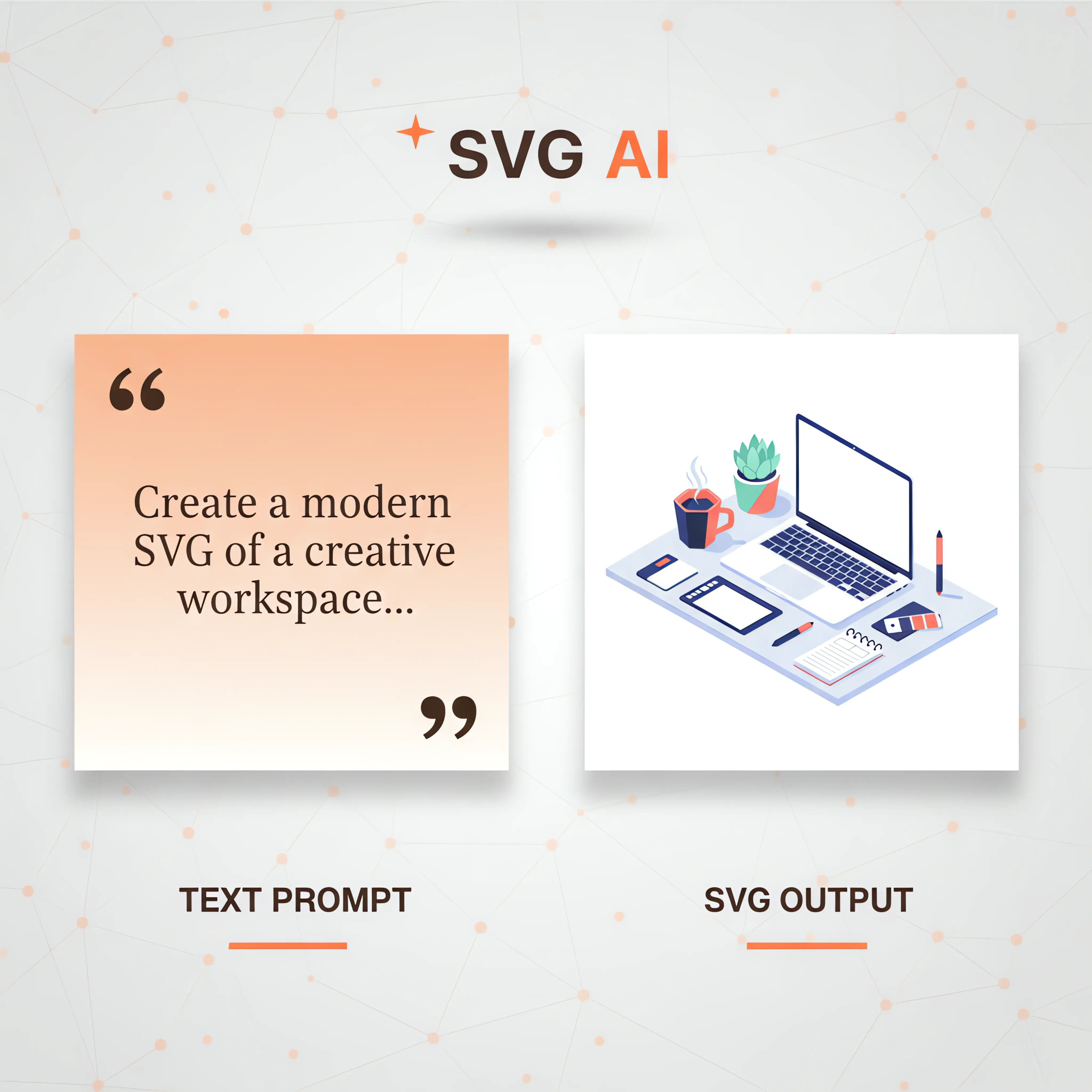
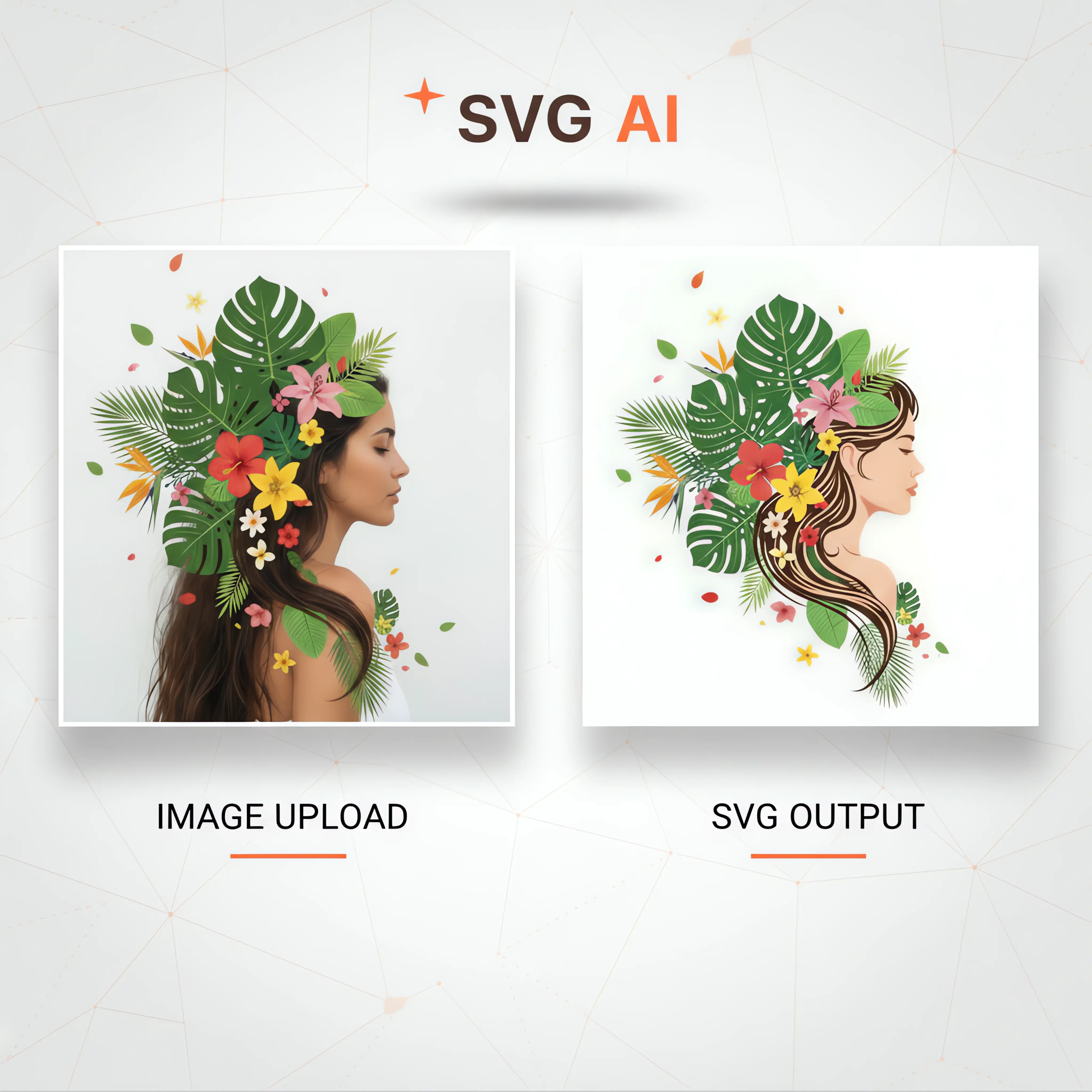
SVG AI is an AI SVG generator that turns a text prompt into a clean, editable SVG. Add an optional reference image to guide style. Use it as an AI SVG maker for illustrations, icons, logos, characters, patterns, stickers, web graphics, and custom vector designs — refine with AI edits and download.
SVG Examples You Can Generate
SVG Logo
Product SVG
SVG Icon
Character SVG
Illustration
Cricut SVG
Brand Mark
Icon Set
Sticker SVG
Pattern SVG
Web Graphic
Logo Symbol
Space Illustration
Product Label
Line Icon
Printable SVG
Geometric Pattern
Shop Graphic
SVG Logo
Product SVG
SVG Icon
Character SVG
Illustration
Cricut SVG
Brand Mark
Icon Set
Sticker SVG
Pattern SVG
Web Graphic
Logo Symbol
Space Illustration
Product Label
Line Icon
Printable SVG
Geometric Pattern
Shop Graphic
From Text Prompt or Image Reference to Editable SVG
Turn this owl reference into an SVG
1
Text Prompt or Image Reference
Logo
Icon
Line art
T-shirt print
2
AI Generates an Editable SVG
Make this SVG cleaner and bolder
3
Refine with AI
SVG
4
Download as SVG
SVG Icon Generator
Create SVG icons and small UI icon sets from text prompts.
SVG Logo Generator
Generate logo marks and brand concepts as SVG files you can refine and download.
Text Prompt to SVG
Describe what you want — text prompt or optional image reference — and SVG AI generates an editable SVG.
AI SVG Editor
Refine SVGs with follow-up prompts and focused edits — color, layout, and details.
Generated Examples
AI SVG Generator Examples by SVG AI
Real SVGs generated from text prompts — illustrations, icons, logos, typography, and custom design assets — each with the prompt used to make it.
Prompt to SVG
AI SVG Generator
Create SVG illustrations and product graphics from a short text prompt, then refine the result for your project.
Generated from: SaaS website hero illustration with dashboard cards, metric cards, cursor, and spark accent
Generate SVGs Across Logos, Icons, and Illustrations
Pick a category, then describe what you want. SVG AI generates editable SVGs for brand marks, product labels, UI icons, typography, illustrations, stickers, and reusable vector assets.
SVG Logo
SaaS Checkmark Mark
B2B SaaS logo mark with a polished checkmark, rounded frame, and crisp vector shape
SVG Icons
Analytics Icons
Analytics icon set with a neural node, trend chart, database stack, and insight spark
SVG Illustration
Product Label Sticker
Clean product label sticker for a specialty coffee bag with large ROAST lettering
Text Graphic
Typography Badge
Clean typography badge with crisp lettering, balanced border, and simple decorative accents
Pet Care Logo
Example Prompt
Pet care logo with a paw print, house roof, heart, and reada...
Design Studio Logo
Example Prompt
Design studio logo with grid tiles, a spark mark, and a read...
Fintech Monogram
Example Prompt
Fintech monogram logo with a deep teal N mark and ledger-ins...
SaaS Checkmark Mark
Example Prompt
B2B SaaS logo mark with a polished checkmark, rounded frame,...
Home Services Mark
Example Prompt
Home services logo mark with a roofline, location pin, and k...
Coffee Brand Mark
Example Prompt
Specialty coffee brand mark with a bold cup shape, bean deta...
Product Label Sticker
Example Prompt
Clean product label sticker for a specialty coffee bag with ...
Brand Pattern
Example Prompt
Premium brand pattern tile with geometric symbols, leaves, s...
Editable SVG Layout
Example Prompt
Website card layout with editable path nodes, color swatches...
Launch Social Graphic
Example Prompt
Launch announcement social graphic with bold type, product c...
Product Helper Avatar
Example Prompt
Friendly product helper avatar with polished shapes and a pr...
Typography Badge
Example Prompt
Clean typography badge with crisp lettering, balanced border...
Analytics Icons
Example Prompt
Analytics icon set with a neural node, trend chart, database...
Ecommerce Icons
Example Prompt
Ecommerce icon set with a shopping cart, package, credit car...
Mobile App Icons
Example Prompt
Mobile app icon set with a calendar, chat bubble, map pin, a...
Developer Tool Icons
Example Prompt
Developer tool icon set with code brackets, terminal, API pl...
Dashboard Icons
Example Prompt
Dashboard icon set with analytics, user, settings, and notif...
Security Badge
Example Prompt
Security badge icon with a shield, checkmark, and small lock...
Core Features
What the AI SVG Generator Does
SVG AI generates SVGs from text prompts, refines them with AI edits, and exports files you can inspect and prepare for your project.
Prompt to SVG
Start with a plain-language prompt and generate SVG logos, icons, illustrations, text graphics, and custom vector assets.
Logo and Brand Concepts
Create scalable logo marks, startup branding ideas, product graphics, and visual directions without beginning from a blank canvas.
Icon Sets for UI Work
Generate app icons, dashboard symbols and ecommerce icons, then compare their shapes, colors and visual style as a set.
Text to SVG Designs
Turn text prompts into editable SVGs — wordmarks, lettering, typography graphics, illustrations, icons, and any design you describe in words.
AI SVG Editor
Adjust colors, details, composition, and style with follow-up prompts so each SVG moves closer to the design you need.
SVG Download
Download finished designs as SVG files for websites, apps, brand assets, and product graphics.
Save and Reuse Designs
Keep generated SVGs in your workspace, revisit previous ideas, and build a reusable library of brand, product, and website assets.
Personal and Commercial Projects
Use generated graphics in websites, apps, marketing assets, product mockups, and brand explorations for personal or commercial work.
How It Works
How the AI SVG Generator Works
Start with a short text prompt — and optionally a reference image to guide style. SVG AI generates an editable result, you refine it with plain-English edits, and download the final SVG file.
01
Prompt ready
Describe Your Vision
Start with a short plain-language prompt for the SVG you want to create.
02
Generated result
AI Generation
SVG AI turns the prompt into an editable SVG result on the canvas.
03
Plain-English edit
Customize & Refine
Ask for a specific change and refine the result without starting over.
04
Edited SVG ready
Download & Use
Download the edited SVG file for your project.
Sign up to get starter credits. Generation and AI edits use credits; SVG export requires paid access.
Prompt to SVG
What the SVG Generator Produces
This complete SVG is the original cloud shield result shown in step 2. Preview the vector below, inspect every path, or download the example to try it in your project.
Editable SVG
Generated designs can be downloaded as SVG files for scalable web and product use.
Plain-English edits
Refine color, shape, layout, and details with follow-up prompts instead of starting over.
SVG Download
Download SVG files for websites, apps, brand assets, and product graphics.
We created this leaf-and-shield concept for the fictional project FlowMint in SVG AI, then asked for one color change. These are the original and AI-refined results from September 5, 2026, with no manual cleanup.
Original prompt
Create a flat vector logo concept for a fictional project called FlowMint, symbol only with no lettering. A single rounded shield containing one simple leaf, centered with generous padding. Dark navy outlines and a mint green leaf on a white background. No gradients, no shadows, no mockup, no tiny details.
Refinement prompt
Change only the mint green fill of the leaf to warm orange. Keep the navy shield, navy leaf veins, composition, shape and size unchanged.
Original generated SVG
The first result uses a mint leaf and navy shield, with generous space around the mark.
Use SVG AI for prompt-based SVG generation, optional visual references, and AI editing tools that help you refine and export designs.
80,000+ registered users
Refine with AI edits
1,000+ SVGs this week
Registered user and weekly SVG counts are refreshed from SVG AI usage records.
Instant access
•
Secure checkout
MOST POPULAR
Starter
$19.00/mo
$0.19 per credit
100 credits monthly
Credit use depends on your selected generation option.
Sign up to get starter credits.
Create SVGs from text prompts or optional visual references
Refine designs with prompt-based AI edits
Unlimited SVG downloads
Commercial usage rights included
Designs saved for 7 days
Clean editable SVG files
Email support included
BEST VALUE
Pro
$39.00/mo
$0.11 per credit
350 credits monthly
Credit use depends on your selected generation option.
Sign up to get starter credits.
Create SVGs from text prompts or optional visual references
Refine designs with prompt-based AI edits
Unlimited SVG downloads
Commercial usage rights included
Designs saved for 30 days
Clean editable SVG files
Priority support included
What makes our SVGs different?
Real Vector Paths
SVG files with editable vector paths you can inspect and refine
Plain-language prompts
Describe the subject, style and details you want
For Your Workflow
Download an SVG and check it in your website, app or design tool
Need a custom plan for your enterprise?
Email us at: hello@svgai.org
What's Included
Create SVG logos, icons, illustrations, text graphics, and reusable vector assets from prompts, optional references, and follow-up edits.
Prompt-Based SVG Creation
Write a detailed prompt and SVG AI creates an editable SVG graphic you can refine and download after generation.
Optional Reference Image
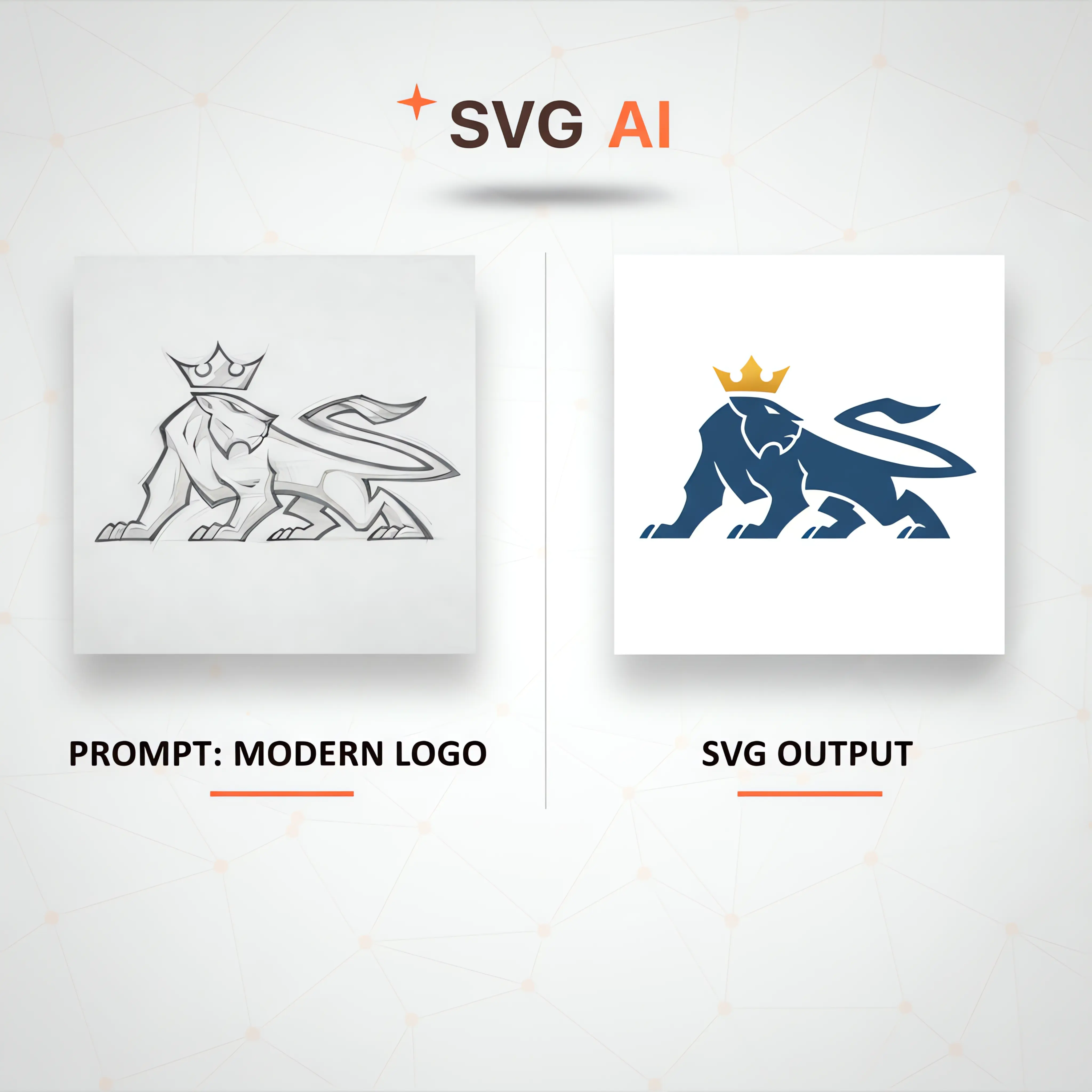
Add a sketch, brand sample, or visual reference to guide the style, subject, or composition of the SVG you create from a prompt.
Text and Reference Guidance
Combine a reference with a short prompt like 'modern logo' or 'add crown' to guide the AI toward an on-brand SVG illustration.
Refine With Text Prompts
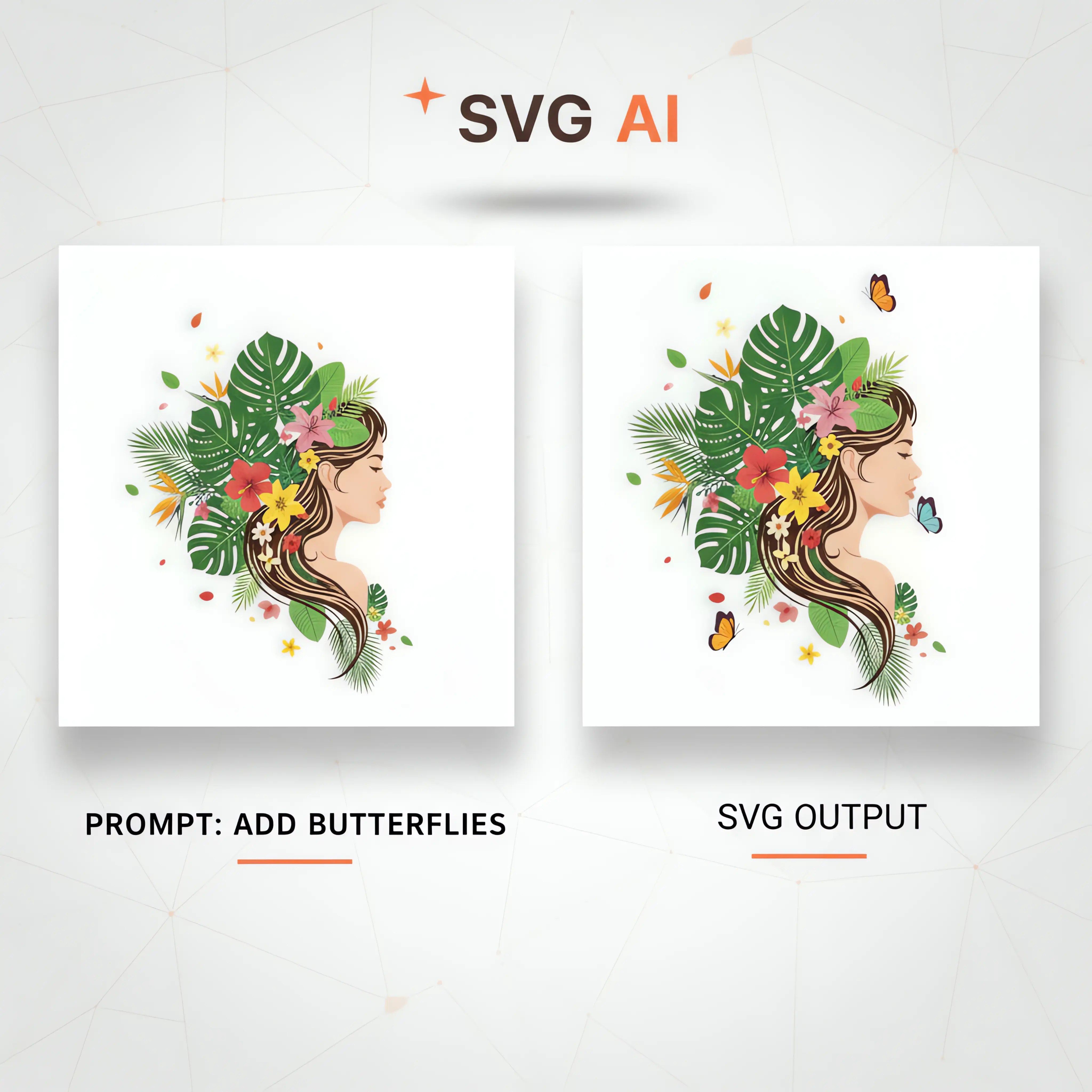
Refine a generated design with prompts such as 'add butterflies,' 'brighten the palette,' or 'thicken outlines.' Compare each new version with the original before choosing your final design.
Customer feedback
See what customers say about SVG AI, or tell us how your latest design worked in your project.
How the AI SVG generator works, how text prompts become editable SVGs, how AI edits refine results, and how it compares to a separate image-to-SVG converter.
Need a straight image-to-SVG conversion?
This generator can use images as optional references with prompts. For direct PNG, JPG, WebP, or GIF file conversion, use the dedicated converter.