Reducing decimal precision made every file in this small test smaller. It also changed the rendered pixels. The useful question is how much data you save at a precision you are willing to inspect, rather than whether one setting is universally best.
This September 14, 2026 experiment uses three actual files and four SVGO settings. It replaces this page's earlier 50-technique benchmark claims, for which we cannot provide the underlying test records. Those earlier percentages should not be used as evidence.
Files, settings and measurement method
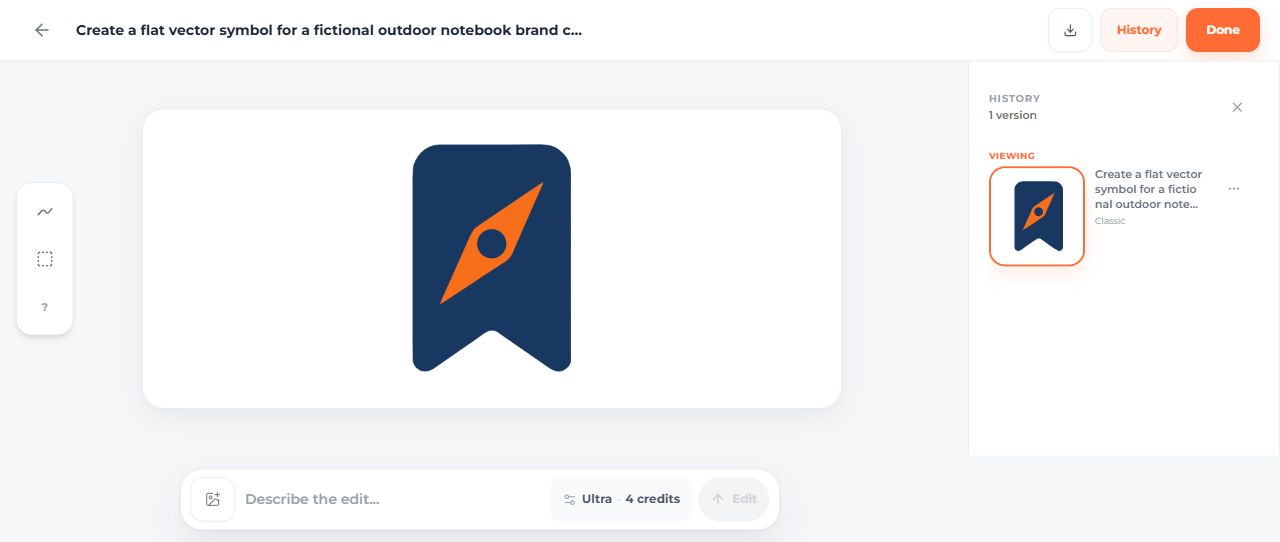
Two inputs come from the same Fieldnote generation lineage: an original notebook mark and its AI teal revision. The third is the previously published FlowMint original from September 5. These are a convenience sample of two fictional projects, not three independent design categories or a representative sample of SVG files.
- Fieldnote original: 2,552 bytes.
- Fieldnote AI revision: 2,556 bytes.
- FlowMint original: 4,646 bytes.


The Fieldnote source came from the AI SVG generator dashboard using Classic, one SVG and transparency. The displayed cost was two credits; a later Classic color edit also displayed two credits. FlowMint's earlier creation walkthrough remains available separately.
The test uses SVGO 4.0.0, its default preset with cleanupIds disabled, multipass processing, and precision values 0, 1, 2 and 3. Each optimized SVG is saved independently. Raw bytes and gzip bytes describe the exact files, including their wrappers.
For each input/output pair, Sharp 0.34.5 renders both files with density 144 at widths of 24, 128 and 512 pixels. The height follows the file's aspect ratio. The script compares their red, green, blue and alpha channel values. It records differing channels, maximum difference and mean absolute difference. It does not measure elapsed rendering time, page loading, browser performance or user preference.
Results: bytes and raster differences
| File | Precision | Raw bytes | Gzip bytes | Differing RGBA channels at 512px wide |
|---|---|---|---|---|
| fieldnote-original | 0 | 718 | 453 | 16,853 |
| fieldnote-original | 1 | 1,223 | 702 | 10,370 |
| fieldnote-original | 2 | 1,583 | 876 | 4,752 |
| fieldnote-original | 3 | 1,828 | 1,006 | 80 |
| fieldnote-ai-edited | 0 | 841 | 515 | 12,906 |
| fieldnote-ai-edited | 1 | 1,351 | 758 | 8,458 |
| fieldnote-ai-edited | 2 | 1,729 | 946 | 2,191 |
| fieldnote-ai-edited | 3 | 1,911 | 1,044 | 138 |
| flowmint-original | 0 | 1,426 | 784 | 15,417 |
| flowmint-original | 1 | 2,428 | 1,260 | 10,404 |
| flowmint-original | 2 | 3,112 | 1,591 | 940 |
| flowmint-original | 3 | 3,417 | 1,763 | 32 |
Download all numerical results and hashes. The JSON includes the 24- and 128-pixel comparisons as well as the 512-pixel values shown here. A channel count is not a count of changed pixels: one pixel has four channels.
For Fieldnote original, precision 0 produces 718 bytes, while precision 3 produces 1,828 bytes. At 512 pixels wide, the corresponding differing-channel counts are 16,853 and 80. For FlowMint, those raw sizes are 1,426 and 3,417 bytes, with 15,417 and 32 differing channels. The more aggressive size reductions come with larger numerical changes in these examples.
What these numbers do not establish
A lower differing-channel count does not automatically mean a visible defect is unimportant. A small change in a letter or narrow gap can matter more than changes along a long antialiased edge. Transparent pixels can also carry RGB values that are not visible in the final composition, so RGBA differences need visual interpretation.
The files have different dimensions and total channel counts. Do not rank their quality by comparing raw changed-channel counts across files. Compare each candidate with its own source, at the intended size and background.
This experiment also does not establish a Core Web Vitals improvement. A smaller asset can reduce bytes, but a complete page includes other resources, rendering work and network conditions. No browser timing or network-transfer experiment was run here.
Reproduce a candidate
Install SVGO 4.0.0 in a working folder and keep your input separately. This command writes a new file using a selected precision:
npm.cmd init -y
npm.cmd install svgo@4.0.0
npx.cmd svgo --multipass --precision 3 --config svgo.config.cjs --input fieldnote-original.svg --output fieldnote-original-p3.svg
Use the supplied configuration. For a different precision, change its floatPrecision value too so the configuration and command agree. SVGO's preset documentation explains the configuration structure.
The reproduction script includes the complete measurement procedure and source filenames. Its README describes the folder structure and pinned dependencies.
Review the chosen file in its real placement
Keep accessible names and referenced IDs when they are needed. Check the actual title/reference pair after optimization. The separate logo optimization tutorial demonstrates that preparation on one annotated input and includes a side-by-side browser rendering.
Simplifying a design is a different task from numerical optimization. Removing the compass from Fieldnote reduces detail but changes the mark's meaning. The simplification tutorial compares that decision at actual display sizes.
Referencing this experiment
Use this page's title, September 14, 2026 update date and the downloadable results when referring to the measurements. Describe it as three files from two fictional projects, tested with four SVGO precision settings and one raster renderer. Do not describe it as a 50-technique, 70-file study or evidence for a universal performance percentage.